Start conversations with your target accounts
Lead generation for your sales team: send one message through the contact form on each company's website, whether it is on your account list or one we find for you, searching included. Replies come to your own email, and the app matches each one to its campaign and company. You also get the emails and phone numbers each site lists for your follow-up.
$0.049 per sent message. Failed sends are not charged. Searching included. $10 covers about 204.
- $0.049per sent message. Failed sends cost nothing
- Emails + phonescollected from every site
- Prooffor every delivered message
- Any languagewrite your message in any language
At a glance
- How you pick companies
- Your list or ours
- Example
- 1,000 target accounts
- The most the forms cost
- $49
- $0.049per sent message. Failed sends cost nothing
- Emails + phonescollected from every site
- Prooffor every delivered message
- Any languagewrite your message in any language
How you pick the companies
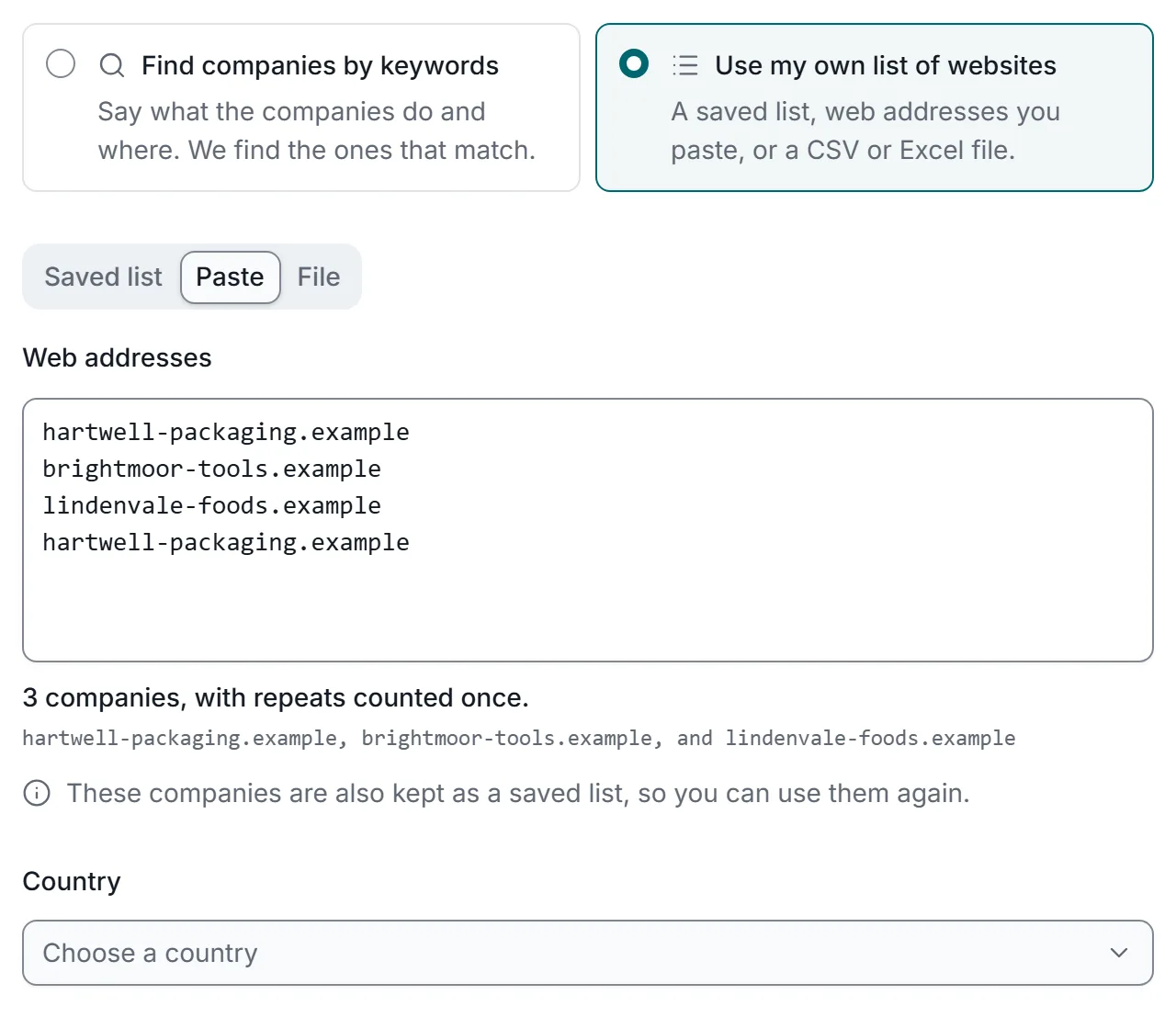
Upload the websites of the accounts you already target, and let us find new companies by keyword and country when you want more. The search is included in the price, and so is checking your own list. After that, both kinds of campaign work the same way.
- Upload a spreadsheet (Excel or CSV), or type what the companies do
- A company that appears twice is contacted once
- Mix them: new companies one week, your own list the next
From account list to follow-up
Bring accounts, or find new ones
Upload a spreadsheet (Excel or CSV) of company websites, or type what the companies do and pick a country.
Write your message once
Each company gets its own version, in its own language. Add the sender details your prospects will see, then check the list and the cost, then approve it.
Answer the replies
Replies come to your own email, and the app matches each one to its campaign and company. Automatic replies, bounced messages and requests to stop are sorted for you.
Follow up by email or phone
Download the emails and phone numbers each site lists as a spreadsheet, and follow up with the companies that answer.
Built for a team that sells
Replies to the right rep
Rules hand each reply to the right person on your team by country, language or keyword.
Follow-ups that get done
Plan a follow-up for companies that do not answer, see what is due today, and tick it off when it is done.
Contacts with their source
Emails, landlines, mobiles and WhatsApp numbers, with named people where the site lists them, each with the page it was found on.
One do-not-contact list
Requests to stop are added to the list your whole team shares, and listed companies are always skipped, whoever starts the campaign.
Every company, one status
See every company across your campaigns with one status each, and keep notes your colleagues can read.
Works with your other tools
Download contacts as a spreadsheet, or have your developer connect the app to your own software.
1,000 target accounts, at most $49
The sum
1,000×$0.049=$49
The most it can cost, if every message is sent. Failed sends and websites with no contact form bring it down.
No send, no charge
You pay $0.049 per sent message. If a send fails, or a website is down or has no contact form, nothing is charged.
Finding the companies
Searching and checking websites are included, and so is solving CAPTCHAs. Bringing your own list is included too.
- Top up from $10. Credit never expires
- No subscription and no seat fees
- Contacts, replies and proof included
- See pricing
Nothing is sent until you approve the list.
Before you start
Who reads a contact form message?
A contact form reaches the inbox a company set up for messages from its website, not one named person. Say in your message who you would like to speak to.
Which contact details do you collect?
We collect only the emails and phone numbers a company lists on its own website, with the page each one was found on.
Do we pay for each person on the team?
No. Your whole team can use one account. There is no seat fee.
Start with your account list
We find the companies for you, searching included, or you upload your own list. Top up from $10, enough for about 204 sent messages. Nothing is sent until you approve the list.